View Transitions
Create state and page transitions with the browser View Transition API and Master CSS syntax.
Overview
The View Transition API creates animated transitions between two visual states. It can handle same-document updates in an SPA and same-origin navigation between documents in an MPA.
In a same-document transition, call document.startViewTransition() and update the DOM inside its callback. The browser snapshots the old state, runs the update, snapshots the new state, then animates the old and new snapshots. Without custom CSS, the default transition is a smooth cross-fade.
Select a view to run a same-document transition.
Root update
Overview
The browser captures the old card, applies the state update, then animates into the new card.
const update = () => { document.querySelector('[data-current-view]').textContent = 'Product detail'}if (!document.startViewTransition) { update()} else { document.startViewTransition(update)}The demo uses Master CSS classes to name the snapshots that should transition independently:
<section class="view-transition-name:panel"> <h3 class="view-transition-name:title">Product detail</h3></section>Generated CSS
@layer utilities { .view-transition-name\:panel { view-transition-name: panel } .view-transition-name\:title { view-transition-name: title }}Master CSS keeps the CSS side concise by expressing view-transition-name, view-transition-class, and native view-transition pseudo-elements directly in class names:
| Class syntax | Use |
|---|---|
view-transition-name | Names an element snapshot so it can animate apart from the root. |
view-transition-class | Groups named snapshots for shared pseudo-element styling. |
::view-transition | Targets the root view-transition pseudo-element tree. |
::view-transition-group() | Styles the group box for a named snapshot. |
::view-transition-image-pair() | Styles the wrapper around the old and new snapshot images. |
::view-transition-old() | Styles the outgoing snapshot image. |
::view-transition-new() | Styles the incoming snapshot image. |
Article list to detail
A common use case is moving from an article feed to an article detail page. The selected article's image, title, and date can keep the same view-transition-name in both layouts, while the surrounding card grid and detail content change normally. This demo also uses view-transition-class so the transition timing applies only to article snapshots.
Click Read More, then return to the article list.
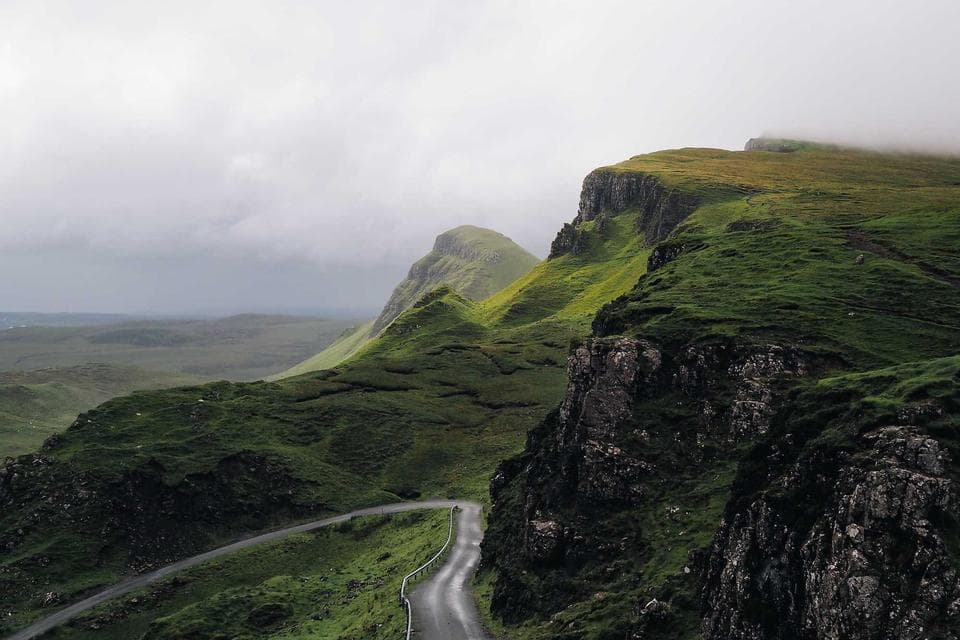
Designing transitions that preserve context
A practical pattern for moving readers from a dense article feed into a focused story view.

Building quieter detail pages
How shared element motion helps a page change feel intentional without adding visual noise.
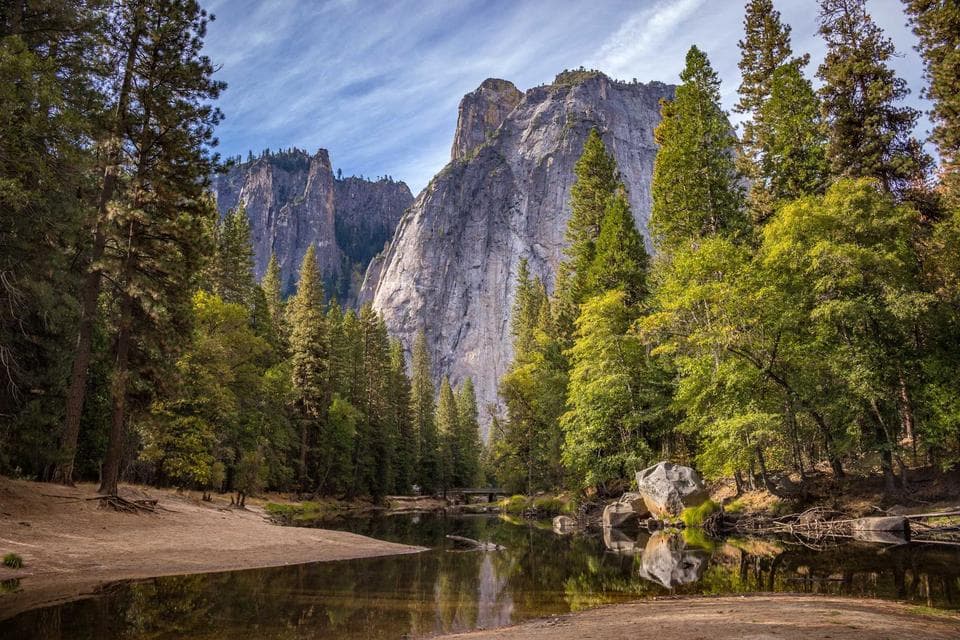
Making navigation feel continuous
Use named snapshots to connect source cards with their destination layouts.
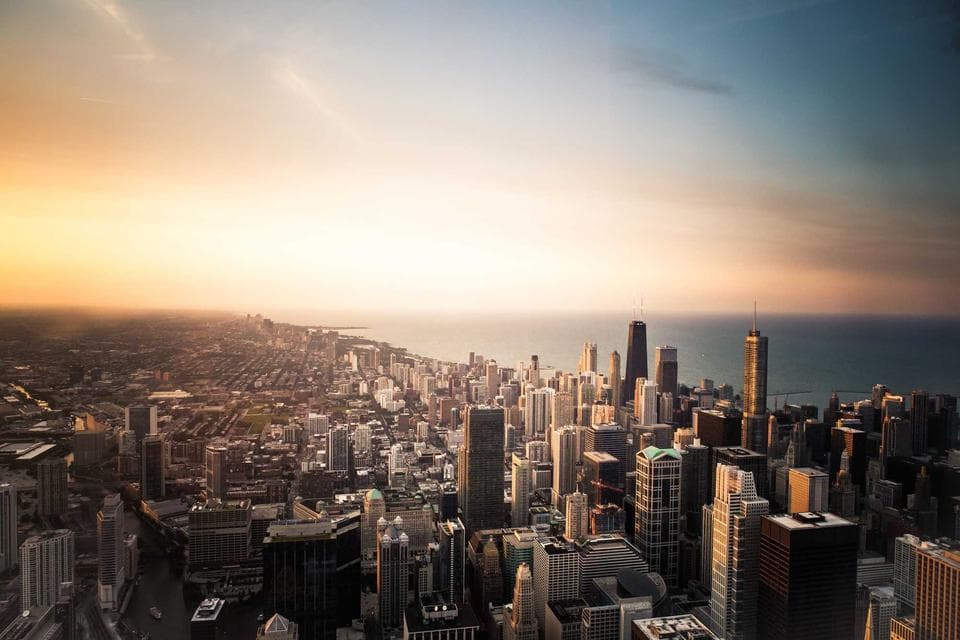
Responsive motion in compact layouts
Manifest transitions around the real content container so they still work on phones.
In the list view, every article gets unique names for its shared elements:
<article> <img alt="A mountain ridge under soft light" class="view-transition-class:article view-transition-name:article-image" src="/images/article-aurora.jpg" /> <time class="view-transition-class:article view-transition-name:article-date">May 12, 2026</time> <h3 class="view-transition-class:article view-transition-name:article-title"> Designing transitions that preserve context </h3> <p>...</p> <button>Read More</button></article>In the detail view, render the same image, date, and title with the same names:
<article> <img alt="A mountain ridge under soft light" class="view-transition-class:article view-transition-name:article-image" src="/images/article-aurora.jpg" /> <time class="view-transition-class:article view-transition-name:article-date">May 12, 2026</time> <h1 class="view-transition-class:article view-transition-name:article-title"> Designing transitions that preserve context </h1> <p>...</p></article>The state update can stay framework-free. Replace the list with the detail markup inside startViewTransition():
const root = document.querySelector('[data-articles]')const detailTemplate = document.querySelector('#article-detail')document.querySelector('[data-read-more]').addEventListener('click', () => { const update = () => { root.replaceChildren(detailTemplate.content.cloneNode(true)) } if (!document.startViewTransition) { update() } else { document.startViewTransition(update) }})Generated CSS
@layer utilities { .view-transition-class\:article { view-transition-class: article } .view-transition-name\:article-date { view-transition-name: article-date } .view-transition-name\:article-image { view-transition-name: article-image } .view-transition-name\:article-title { view-transition-name: article-title } .animation-duration\:\.52s\:\:view-transition-group\(\.article\)::view-transition-group(.article) { animation-duration: 0.52s }}Only one rendered element can use the same view-transition-name at a time. The list uses article-specific names such as article-aurora-image, article-studio-image, and article-coast-image so the selected card can match the detail page without colliding with other cards.
Naming snapshots
By default, a view transition animates the root snapshot. Use view-transition-name, the view-transition-name property, when one element needs to move, resize, or fade separately from the rest of the page.
<article class="view-transition-name:hero"> ...</article>The same view-transition-name must be unique in the rendered document. If two rendered elements have the same name at the same time, the transition is skipped. For lists that need automatic per-element names in same-document transitions, native CSS also provides match-element.
<li class="view-transition-name:match-element">...</li>Use view-transition-name:none to keep an element out of its own separate snapshot.
<video class="view-transition-name:none">...</video>Styling transition pseudo-elements
The browser exposes transition snapshots through pseudo-elements such as ::view-transition-group(), ::view-transition-old(), and ::view-transition-new(). MDN recommends styling the group when the same duration or timing should apply to both the old and new snapshots.
In Master CSS, write the pseudo-element after the declaration:
<html class=" animation:fade|fast|both::view-transition-new(hero) animation:fade|fast|both|reverse::view-transition-old(hero) animation-duration:slow::view-transition-group(hero)">Generated CSS
@layer theme { :root { --duration-slow: .3s; --duration-fast: .15s }}@layer utilities { .animation\:fade\|fast\|both\:\:view-transition-new\(hero\)::view-transition-new(hero) { animation: fade var(--duration-fast) both } .animation\:fade\|fast\|both\|reverse\:\:view-transition-old\(hero\)::view-transition-old(hero) { animation: fade var(--duration-fast) both reverse } .animation-duration\:slow\:\:view-transition-group\(hero\)::view-transition-group(hero) { animation-duration: var(--duration-slow) }}@keyframes fade { 0% { opacity: 0 } to { opacity: 1 }}Apply these classes to the html element when you style global view-transition pseudo-elements. The pseudo-element tree is generated from the document root, so a class on an ordinary descendant will generate CSS but will not match the root transition pseudo-elements.
You can also group related named snapshots with view-transition-class and then target the class selector in the pseudo-element argument:
<article class="view-transition-class:shared-card view-transition-name:product-card"> ...</article><html class="animation-duration:.36s::view-transition-group(.shared-card)">Cross-document transitions
For same-origin MPA navigation, opt in with native CSS in both the current and destination documents:
@view-transition { navigation: auto;}No JavaScript is required for the navigation itself. You can still use Master CSS on elements that should become named snapshots across pages:
<!-- page A and page B both render one matching hero --><header class="view-transition-name:product-hero"> ...</header>If both documents render one product-hero snapshot, the browser can animate that element between pages. If either page renders zero or more than one matching snapshot, the named transition will not run as intended.
Fallbacks
View transitions are progressive enhancement. Always keep the DOM update valid without animation:
const update = () => renderNextState()if (!document.startViewTransition) { update()} else { document.startViewTransition(update)}Reduced motion
After the core transition works, add a motion preference layer. You can scope animation classes with @motion, which maps to @media (prefers-reduced-motion: no-preference).
<html class="animation-duration:.42s::view-transition-group(root)@motion">Or skip the transition in JavaScript for motion-sensitive users:
const shouldReduceMotion = window.matchMedia('(prefers-reduced-motion: reduce)').matchesif (!document.startViewTransition || shouldReduceMotion) { update()} else { document.startViewTransition(update)}See MDN's Using the View Transition API and web.dev's View transitions for single page applications for deeper API behavior and browser examples.
Understand how Master CSS resolves theme variables, emits CSS custom properties, and applies light, dark, and custom modes.
Define viewport breakpoint tokens and use responsive variants for page-level layout, typography, and density changes.